VIDOWN

YOUTUBE VIDEO DOWNLOADER

Download YouTube videos in HD, 1080p, 4K, and other available qualities.

YouTube link detected

HOW TO DOWNLOAD

01

COPY

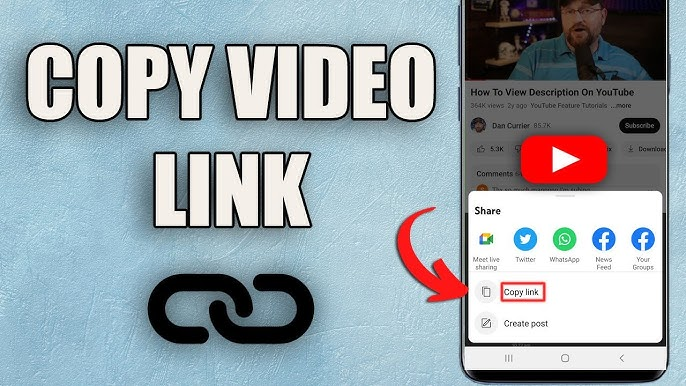
Open YouTube and copy the video URL from the address bar or Share button.

02

PASTE

Paste the link into Vidown and wait for the preview box to appear.

03

DOWNLOAD

Click Download, choose the quality returned by the worker, and prepare your file.

FAQ

Can I download 4K videos?

Yes, when the source video and worker return a 4K format option.

Does it work on YouTube Shorts?

Yes, paste the Shorts link the same way you paste a normal video link.

Do I need an account?

No account is needed on Vidown.

Is it free?

Yes, the downloader interface is free to use.

About this downloader

This page is built for a direct platform-specific workflow. Paste a public link, let the backend ask the worker for metadata, then review the preview box before creating a download job. The interface avoids popups and confusing redirects. It shows the platform, title, thumbnail, and available format information so you know what is being processed. Use this downloader only for personal, lawful, non-commercial purposes and only where you have the right to keep a copy. Vidown is independent and is not affiliated with any supported platform.

This page is built for a direct platform-specific workflow. Paste a public link, let the backend ask the worker for metadata, then review the preview box before creating a download job. The interface avoids popups and confusing redirects. It shows the platform, title, thumbnail, and available format information so you know what is being processed. Use this downloader only for personal, lawful, non-commercial purposes and only where you have the right to keep a copy. Vidown is independent and is not affiliated with any supported platform.